
ATD Blog
5 Steps to Making a Viral Educational Infographic
Thu Jan 19 2017
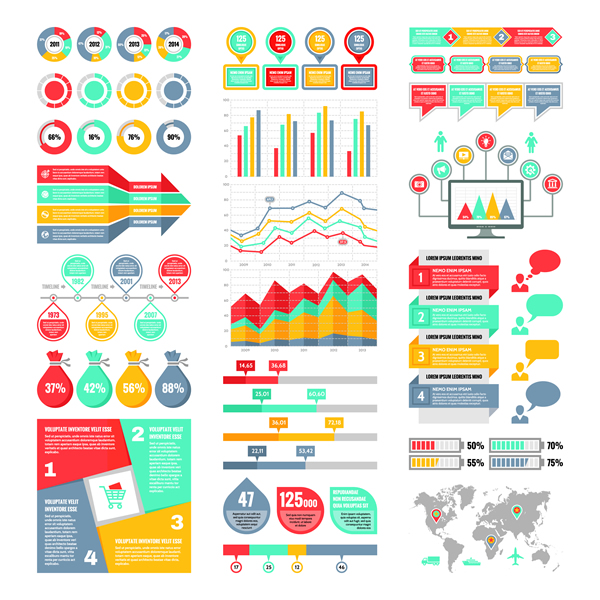
Content
Making an educational infographic is relatively easy. Making it viral is the hard part. The following is a way to do it:
Content
STEP 1: Start with a topic that is popular (i.e., in the news, trending on social media).
Content
STEP 2: Choose a provocative title that mentions the hot topic. This is your headline. It should give people a reason to care about your infographic.
Content
Tip: If your subject is not highly sought, find a way to associate it with a popular topic. For example, if your topic is about file sharing technology, perhaps your title is, “Stop Hackers With Safe File-Sharing Solutions.”
Content
STEP 3: Find facts or instructions that support your title/headline. Break the information into bite-sized, digestible chunks and arrange them to tell a story.
Content
STEP 4: Render the infographic using your favorite graphics software or an online infographic tool such as the following:
Content
https://piktochart.com
Content
https://canva.com
Content
https://infogr.am .
Content
Bonus tip: Here is a Graphic Cheat Sheet to help you pick the right graphic type. (I am not including my process for turning words into an infographic; my focus is on making it viral.)
Content
STEP 5: Post your infographic everywhere you can. Include “share” buttons where possible. Reach out to online news sites that are seeking topical content and ask them if they would like to share your infographic. (It is free content for them and infographics are a popular means of getting information.)
Content
Below is an example of a viral infographic posted on LifeHack.