
ATD Blog
Best of 2017: The Top 7 PowerPoint Downloads
Thu Mar 16 2017
As a PowerPoint power user, I want the latest, greatest, and best-of-the-best tools to help me do my job. My presentations and my client’s projects require me to push the software to its limits. The following are some of my favorite PowerPoint downloads for 2017.
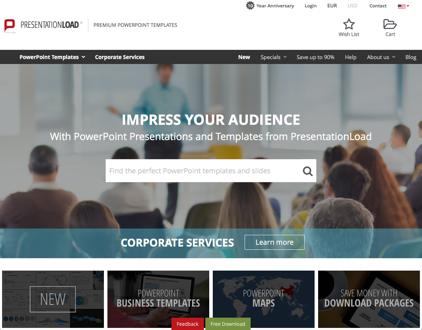
PresentationLoad (PowerPoint Templates, Graphics, and Charts)
PresentationLoad offers a growing library of more than 15,000 professional PowerPoint templates, graphics, charts, maps, diagrams, and add-ins. Other websites offer similar products but very few come close to the quality of PresentationLoad’s content. Most of the content works with PowerPoint 2007 or newer (Mac and Windows).
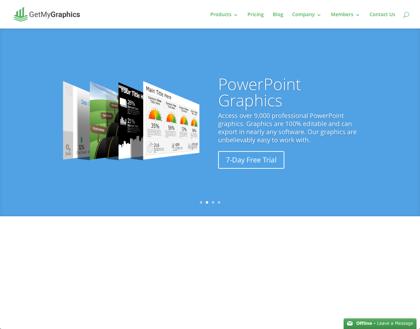
GetMyGraphics (PowerPoint Infographics)
GetMyGraphics has more than 9,000 professional PowerPoint infographics, diagrams, maps, photographs, and more. Their graphics range from complex to simple and are 100 percent editable in PowerPoint. The graphics work with PowerPoint 2007 or newer (Mac and Windows).
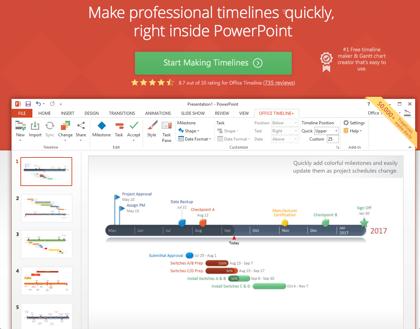
Office Timeline (Make PowerPoint Schedules, Timelines, and Gantt Charts)
With Office Timeline, you can easily make schedules, timelines, and Gantt charts for your presentations. More than a million downloads is indicative of how helpful the tool is for professionals across industries. Office Timeline works with PowerPoint 2007 or newer (Windows only).
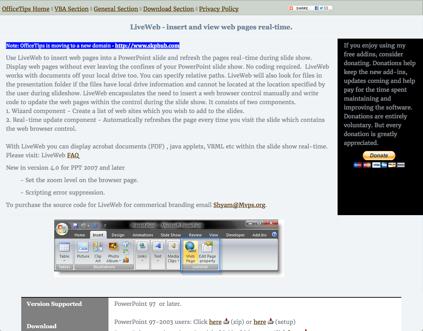
LiveWeb (Add Live Webpages to Your Presentations)
With LiveWeb, you can include live webpages inside your PowerPoint. It’s easy to add webpages, and you can click through your embedded webpages with ease as if you’re in a web browser. An Internet connection is required for active websites. The tool works with PowerPoint 97 or newer (Windows only).
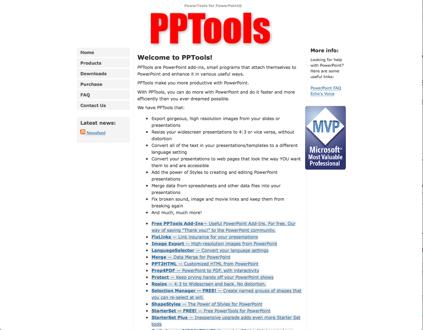
PPTools (PowerPoint Add-Ins That Make Your Life Easier)
PPTools offers a variety of helpful add-ins. I can’t say enough good things about their tools. Free and low-cost add-in solutions range from fixing broken links to making custom web pages from PowerPoint slides. My favorite is Image Export, with which you can save your slides at any resolution. Their add-ins work with PowerPoint 2003 or newer (Windows only).
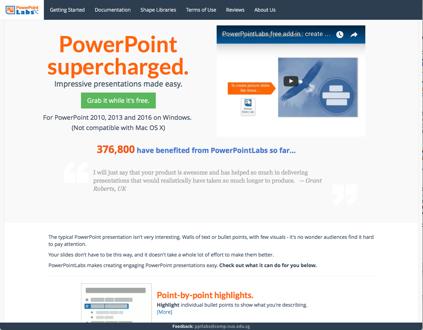
PowerPoint Labs (Easy, Fast PowerPoint Enhancements)
PowerPoint Labs offers many features to improve the quality of your presentations. For example, you can highlight parts of your slide (such as images, bullets, and text), zoom into a section of your slide, crop out a single object within an image, and much more. The application works with PowerPoint 2010 or newer (Windows only).

STAMP (Add Subtitles to Video and Audio)
STAMP, from Microsoft, is free. Use it to add closed captions to your videos and audio files within your presentations. You can import timed text markup (TTML) files if you already have them. STAMP runs on PowerPoint 2010 or newer (Windows only).
If you want to learn PowerPoint tips, tricks, and secrets, join me at ATD’s International Conference & Expo in Atlanta, Georgia. I am conducting the new two-day Creating Effective PowerPoint certification class for educators on May 19–20. Click here to learn more.

View Courses Recommended for You